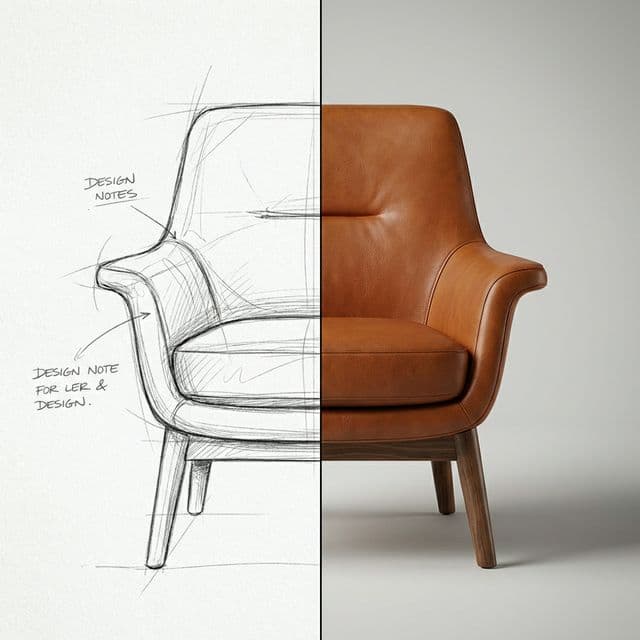
The "Slow Render" Problem
You've just finished a consultation with a potential client. You sketched a brilliant custom sofa design on your iPad. They look interested, but they say, "Can I see what it looks like with that vintage leather we talked about?"
Traditionally, you'd go back to your office, fire up Rhino or Blender, spend hours modeling, setting up lighting, and waiting for a render. By the time you send it two days later, their excitement has cooled off.
Speed kills deals.
The Solution: The "Furniture Sketch to Real Life Staging" Pipeline
We built a dedicated automated recipe in BlinkPic designed specifically for this moment. It takes a messy input (your sketch) and structural parameters (prompt) to generate a high-fidelity visualization instantly.
1. Input Sketch
Upload a photo of your napkin sketch or iPad drawing. Even rough outlines work.
2. Define Style
Type "mid-century modern, cognac leather, brass legs".
3. Visualize
Get 4 variations in under 15 seconds. Show them immediately.
How to use it (Step-by-Step)
- Open the Studio Dashboard. Navigate to the "Recipes" tab and select "Furniture Sketch to Real Life".
- Upload your base image. This acts as the structural control (ControlNet) for the AI. It ensures the generated chair has the exact same shape and perspective as your drawing.
- Refine the prompt. Be specific about materials.PROMPT: "A photorealistic armchair, brown distressed leather upholstery, tufted back, dark walnut wood legs, studio lighting, 4k, highly detailed texture"
- Hit Generate. In moments, you have a client-ready image.
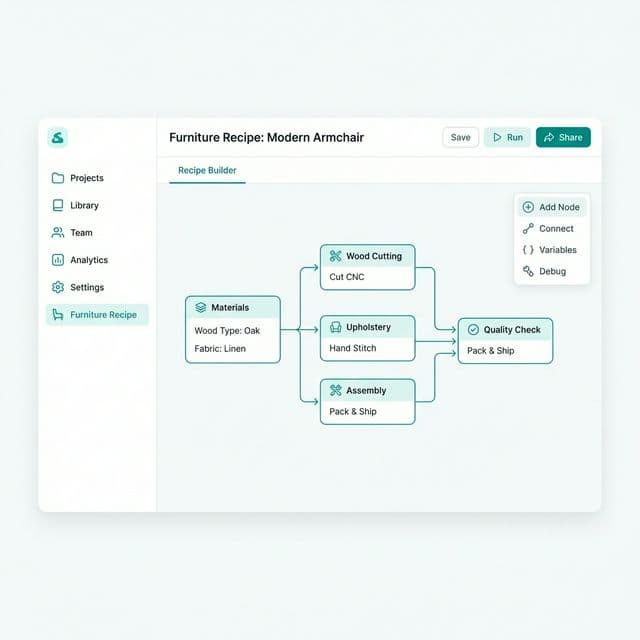
Ready to impress your next client?
Try this recipe right now on BlinkPic using free credits.
Start Generating FurnitureMore Automation Ideas for Designers
Once you master furniture sketches, try these other workflows:
- Virtual Staging: Take a photo of an empty room and automatically fill it with your furniture designs.
- Bulk Background Removal: Process 50 product photos for your e-commerce store in one click.
- Material Swapping: Visualize the same sofa in velvet, linen, and leather instantly.